Apple Watch supports compatible Bluetooth cycling accessories. For Apple’s Workout app, pair the accessory in Watch Settings, under Bluetooth and Health Devices. Then start a cycling workout and check the relevant workout view. A device appearing in the list is only the first step: confirm that it produces live readings.
Choose the measurement before choosing the sensor
A cadence sensor counts crank revolutions per minute. A power meter measures your effort in watts and may also provide cadence. A speed sensor measures wheel rotation. Buying one does not automatically give you the other two measurements.
Write down the question you want the display to answer. If it is whether you are maintaining a steady pedaling rhythm, cadence is the useful starting point. If it is whether you are holding a planned effort through changes in slope and wind, investigate a compatible power meter.
| Accessory | Measurement | Check before buying |
|---|---|---|
| Cadence sensor | Pedaling rate in rpm | Bluetooth cycling cadence support and a suitable crank attachment. |
| Power meter | Cycling power in watts | Exact model, Bluetooth support, setup requirements and whether cadence is included. |
| Wheel speed sensor | Wheel-derived speed | Wheel-size configuration and compatibility with your recording app. |
Check Bluetooth support for the exact model
An ANT+-only accessory is not the same as a Bluetooth accessory. Some products offer both, but verify the exact model rather than relying on a brand name or a generic “wireless” description. Check the manufacturer’s pairing instructions and whether another receiver can use the sensor at the same time.
For a used power meter, include its battery, charger, firmware and mounting parts in that check. A bargain is less useful if you cannot wake it, attach it correctly or configure it without an unavailable companion app.
Pair the sensor with Apple Watch
- Install the sensor following its manufacturer’s instructions. Charge it or fit a fresh battery, then wake it by rotating the crank or wheel.
- On Apple Watch, open Settings, then Bluetooth. Look under Health Devices and select the accessory.
- Where the Watch offers device configuration, check the applicable wheel size or crank length against your actual bike.
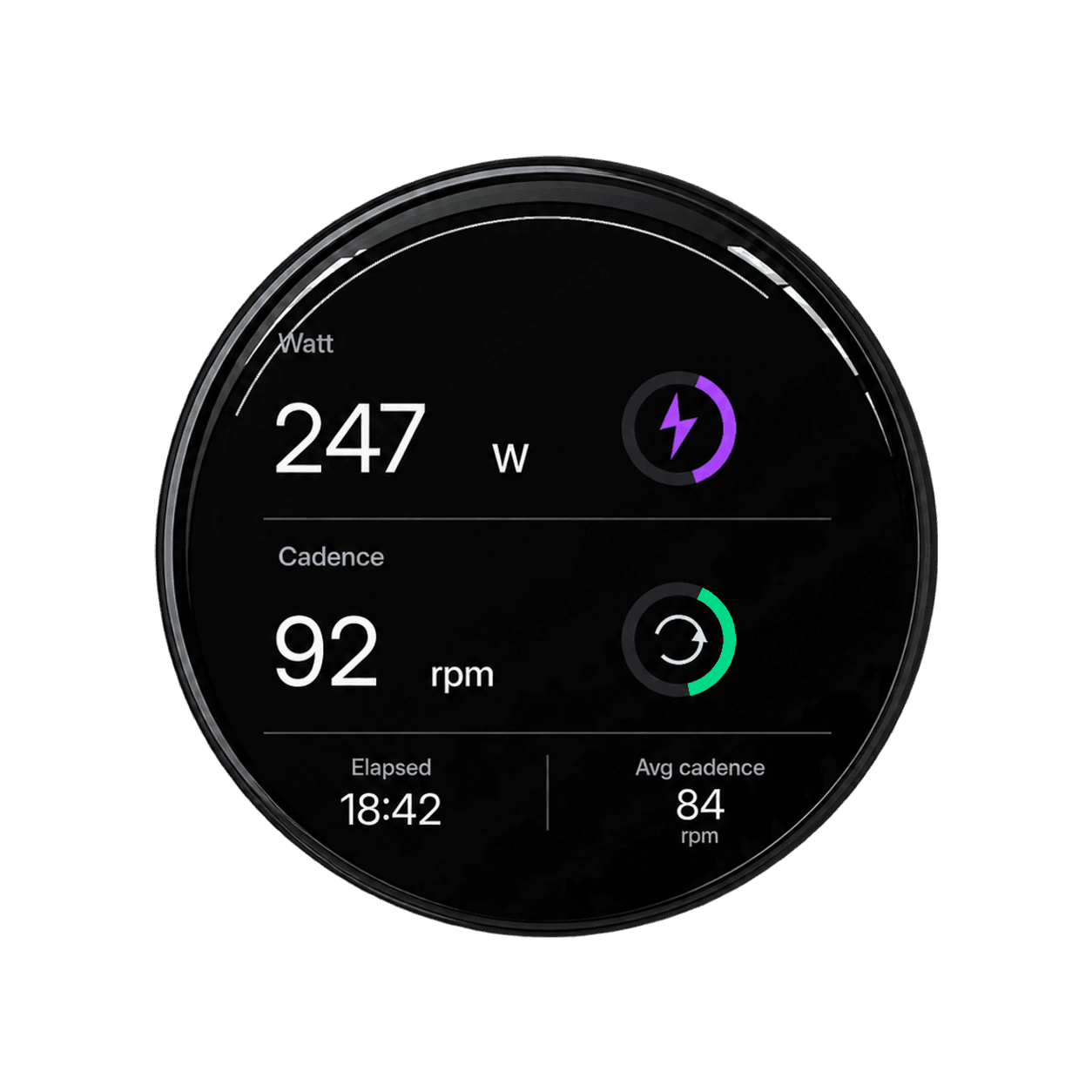
- Start Outdoor Cycle or Indoor Cycle in Apple Workout. Inspect the power or cadence view while turning the pedals.
- Save a short test workout and check the recorded values. Repeat the check in any other app you plan to use.
Paired, but no cadence or power?
Troubleshoot the first missing link. If the sensor is absent from Bluetooth settings, concentrate on power, wake-up and discovery. If it connects but stays at zero while pedaling, inspect installation and the manufacturer’s connection instructions. If the Watch has readings but another screen does not, investigate that app or display connection.
Close competing sensor apps for a controlled retry. A sensor’s connection limits vary by model; do not assume every receiver can subscribe simultaneously. Also check that the workout view actually includes the measurement you are looking for.
Change one thing at a time and note what changes. Re-pairing every device at once can make a temporary improvement difficult to explain or reproduce.
Using sensors with Bicino
Bicino supports Bluetooth cycling power, cadence and speed sensors, but compatibility can vary by sensor model. Its connected ride view brings supported sensor data together with navigation and Watch workout information. Apple Workout pairing alone does not prove that the same accessory is configured correctly in Bicino.
Before buying a sensor specifically for Bicino, send its exact brand and model to hi@bicino.com. Before a long ride, confirm the value on the screen you will actually use and inspect a saved short workout. That checks the useful outcome, rather than just the Bluetooth menu.
Do you need a power meter just to record a ride?
No. Start with the information you already use and add an accessory when it answers a specific question. A power meter adds another component to maintain and configure. If your main goal is recording where you rode and seeing basic ride information, first make that existing setup reliable.