
The short answer: an Apple Watch records heart rate very well, but it does not behave like a generic Bluetooth heart-rate strap that every bike computer can pair with. To see Watch heart rate on your handlebars, the Watch, an app and the display need to be designed to work together—or you need a separate sensor.
Why the connection is confusing
Most cycling heart-rate straps advertise themselves as standard Bluetooth or ANT+ sensors. A Garmin, Wahoo or compatible app can discover that sensor directly, subscribe to its readings and show them during a ride. Apple Watch follows a different model: it measures heart rate for watchOS apps and writes workout data through Apple’s health and workout frameworks.
That difference matters. Pairing a Watch to an iPhone does not automatically make the Watch appear in a bike computer’s sensor menu. Wahoo’s current support guidance, for example, says Apple Watch cannot export heart-rate data to another app or device as a normal external sensor.
Four setups that do work
| Setup | Heart rate on the bars | Best for |
|---|---|---|
| Apple Watch + iPhone | Apple’s Cycling Live Activity can show workout metrics on the iPhone. | Riders happy to mount or glance at their phone. |
| Bike computer + chest or arm strap | The sensor pairs directly with the computer. | Broad compatibility and dependable live training data. |
| Apple Watch + bridge app or accessory | A third party relays data in a format the receiver understands. | People prepared to test compatibility and manage another link. |
| Apple Watch + Bicino | The Bicino Watch app shares its workout view with the Bicino system. | Apple users who want Watch data and navigation in one cycling setup. |
How Bicino handles Apple Watch heart rate
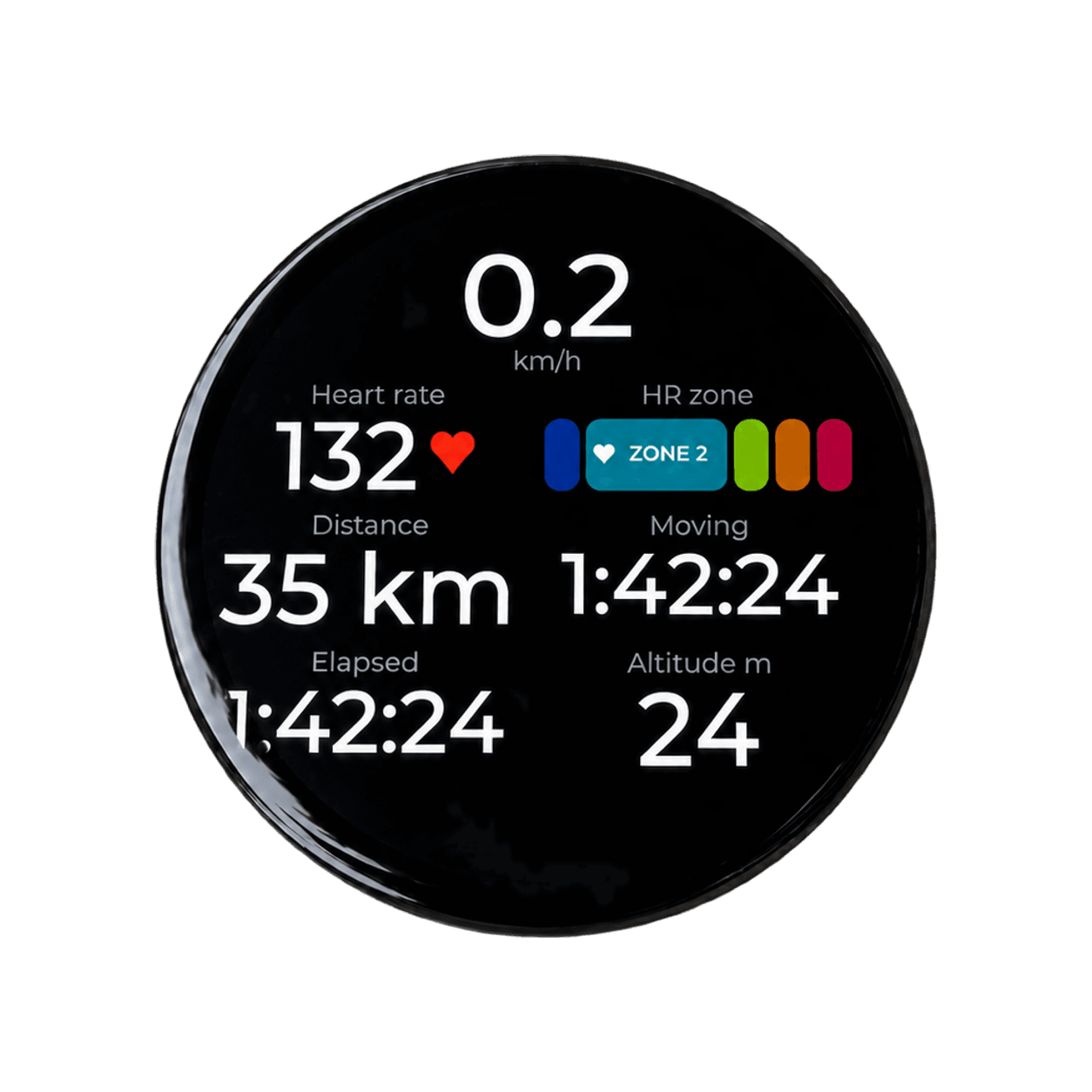
Bicino does not pretend the Apple Watch is a universal heart-rate strap. Instead, its Watch app starts and records the cycling workout, while the connected Bicino experience can show live heart rate and zones on the Watch, iPhone and compatible bicino one display. That is an app-to-app workflow, not generic Apple Watch sensor broadcasting.
- Install Bicino on the iPhone and paired Apple Watch.
- Open Bicino on the Watch and start the cycling workout there.
- Connect the iPhone to bicino one for the handlebar view.
- Confirm a live heart-rate value before setting off.
If heart rate is missing, first check Health permissions for Bicino, then confirm the Watch is snug enough to read consistently and that the workout was started in the intended app. Do a short stationary check before a long ride rather than troubleshooting at speed.
When a separate heart-rate sensor is still the better answer
Use a chest or arm sensor if your priority is pairing directly with many brands of bike computer, sharing one signal with multiple training devices, or keeping the Watch out of the setup entirely. It is the simplest standards-based path. Use the Watch-led route when you want Apple workout recording and the rest of your Apple cycling experience to stay together.
Still deciding whether a handlebar screen adds enough? Read our guide to using a bike computer when you already own an Apple Watch.