
The bike computer for Apple users.
Navigates with Apple Maps. Tracks workouts with Apple Watch.
Join the waitlist.
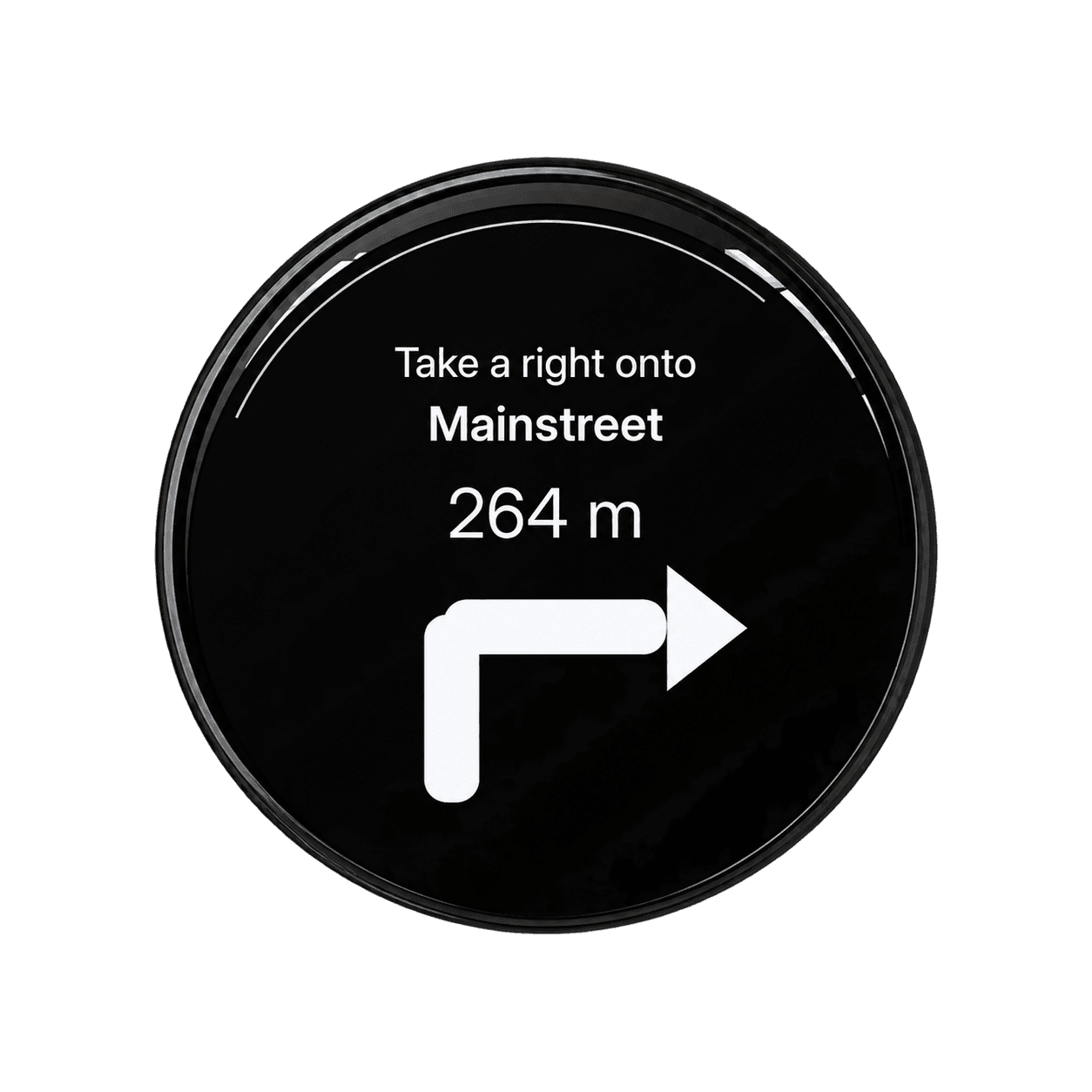
Ride screens
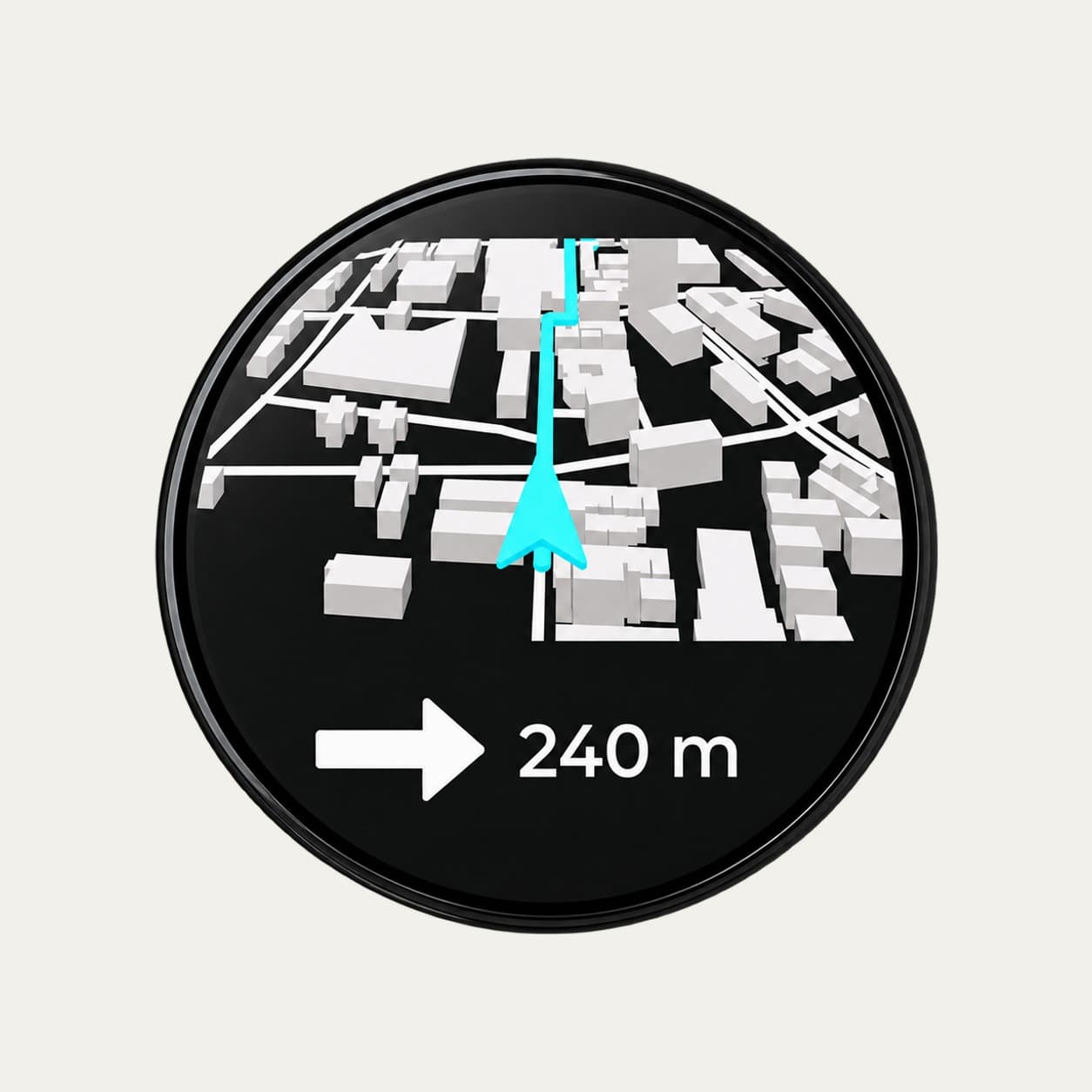
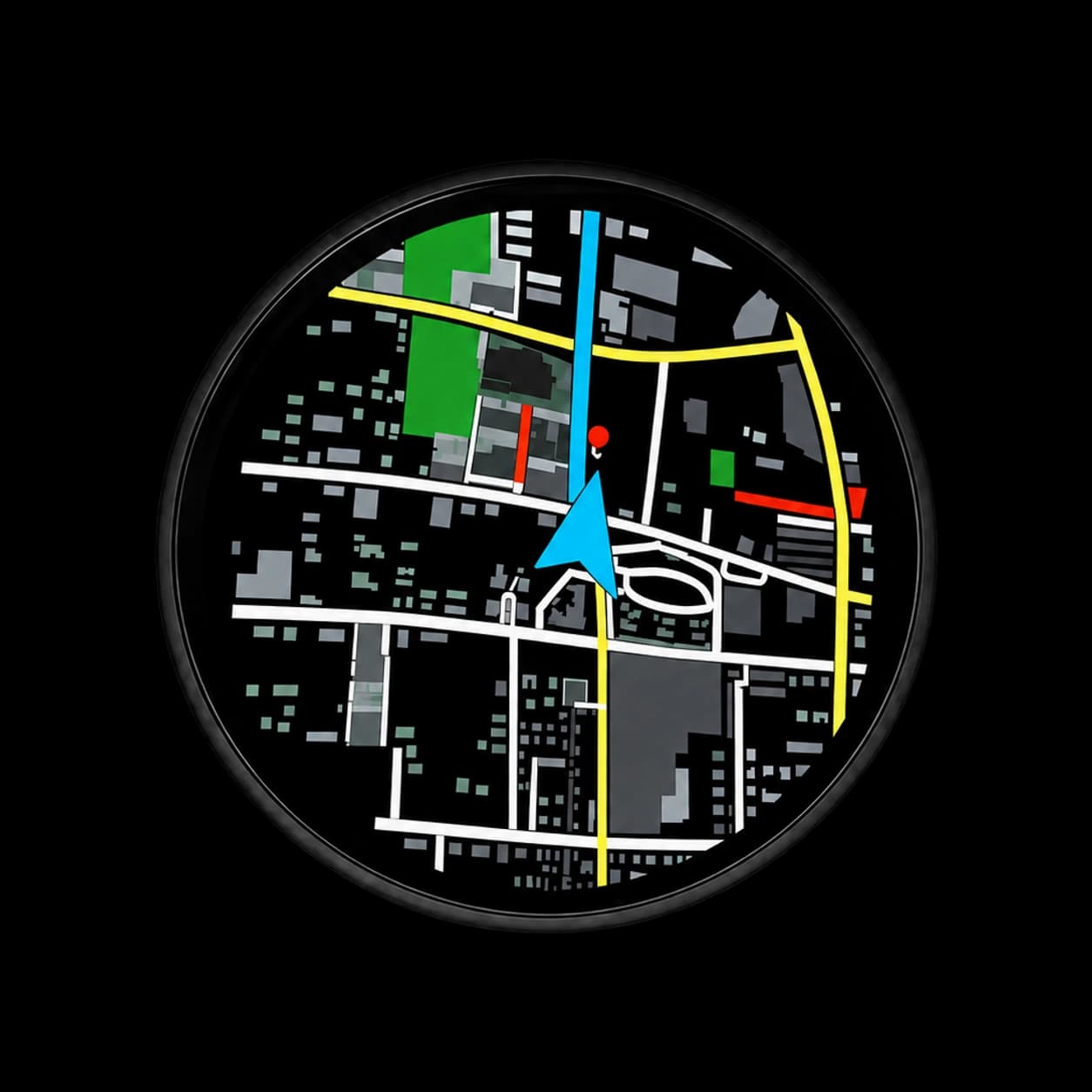
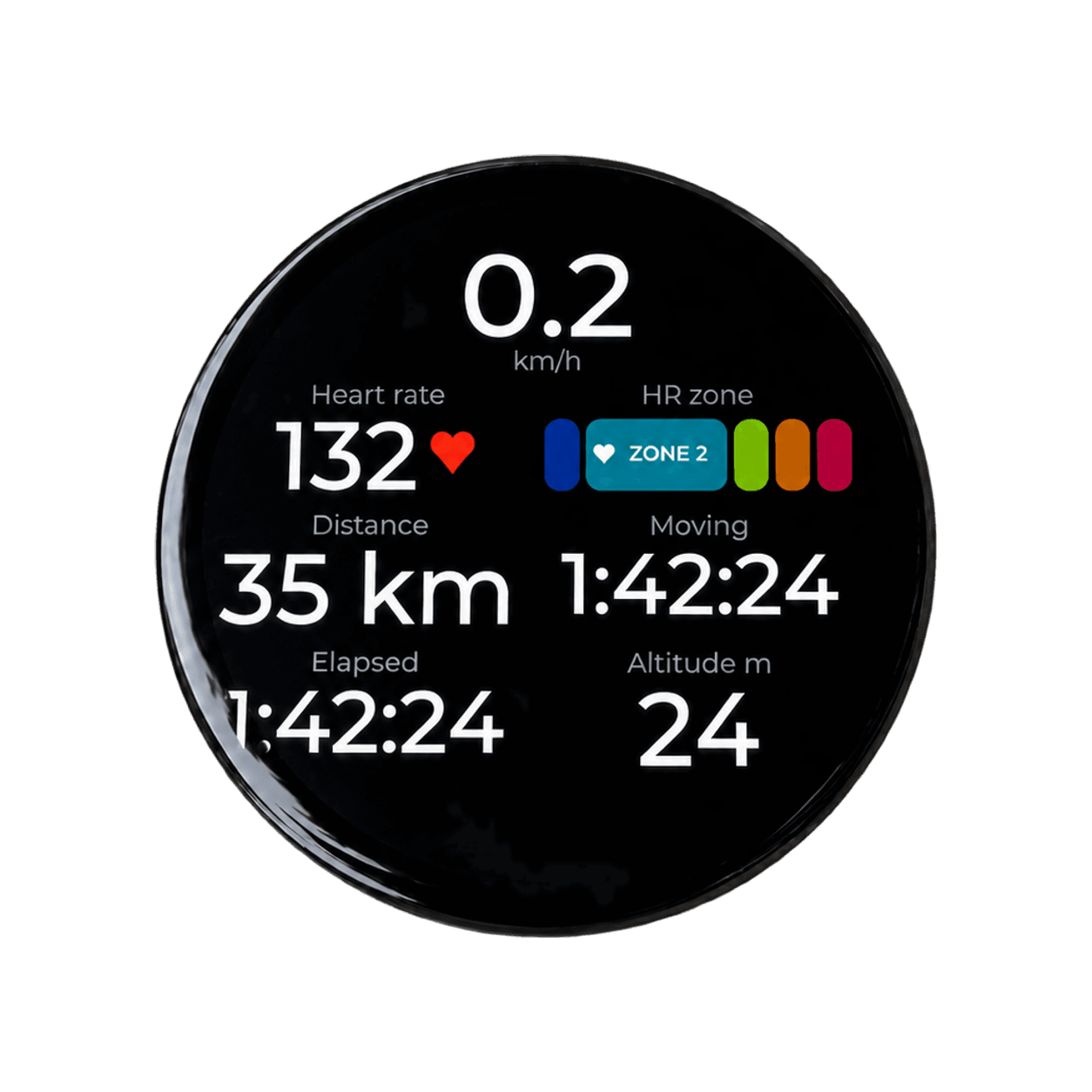
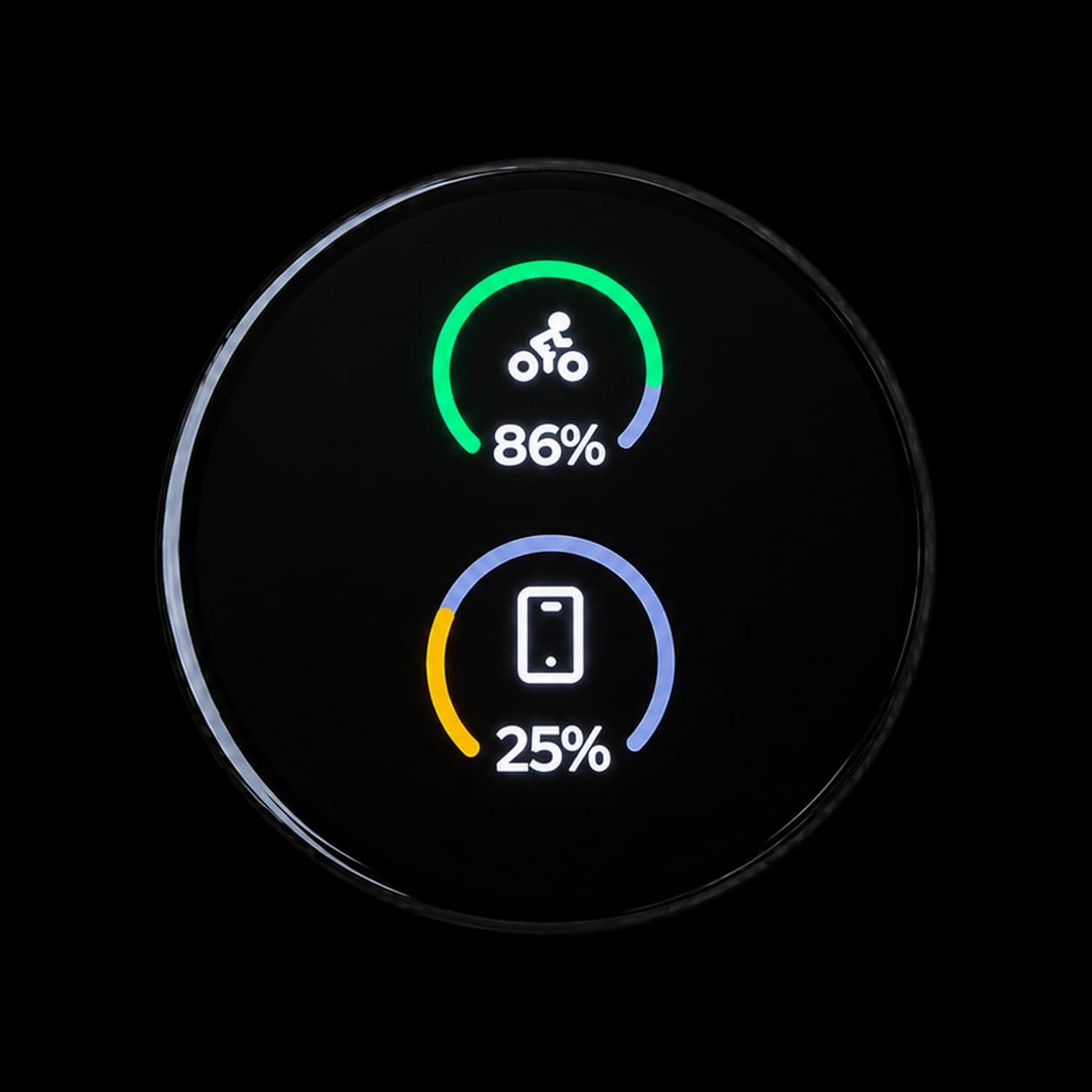
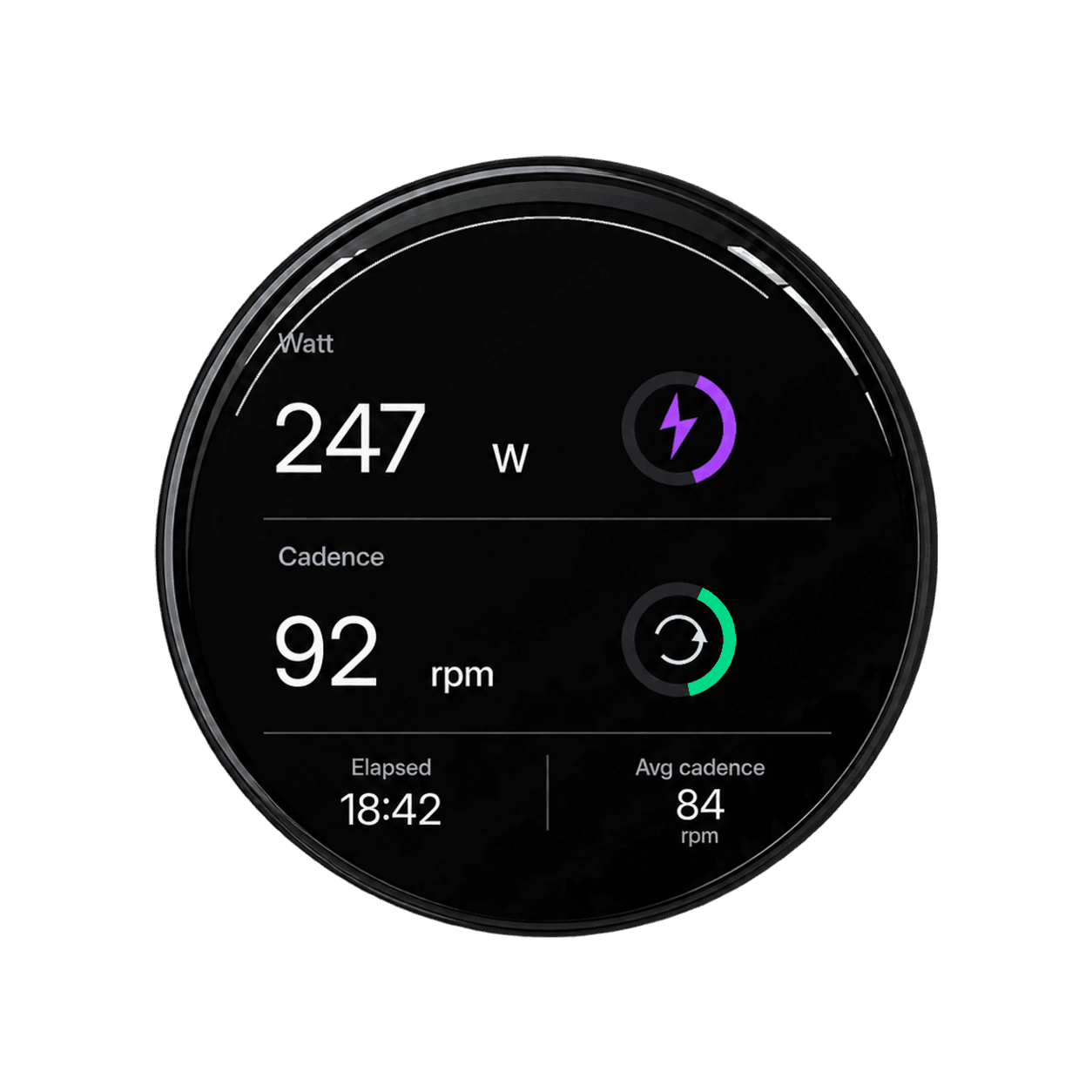
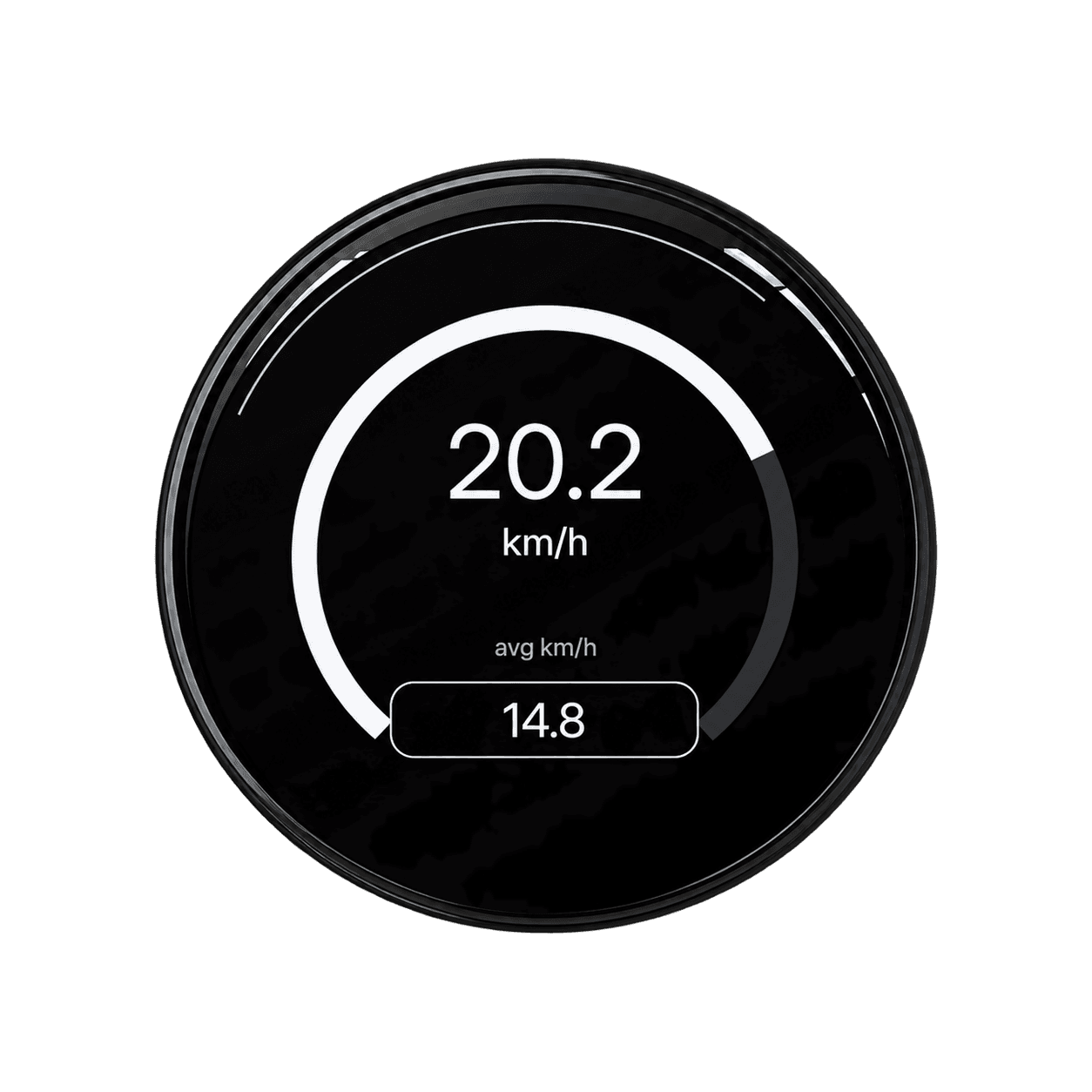
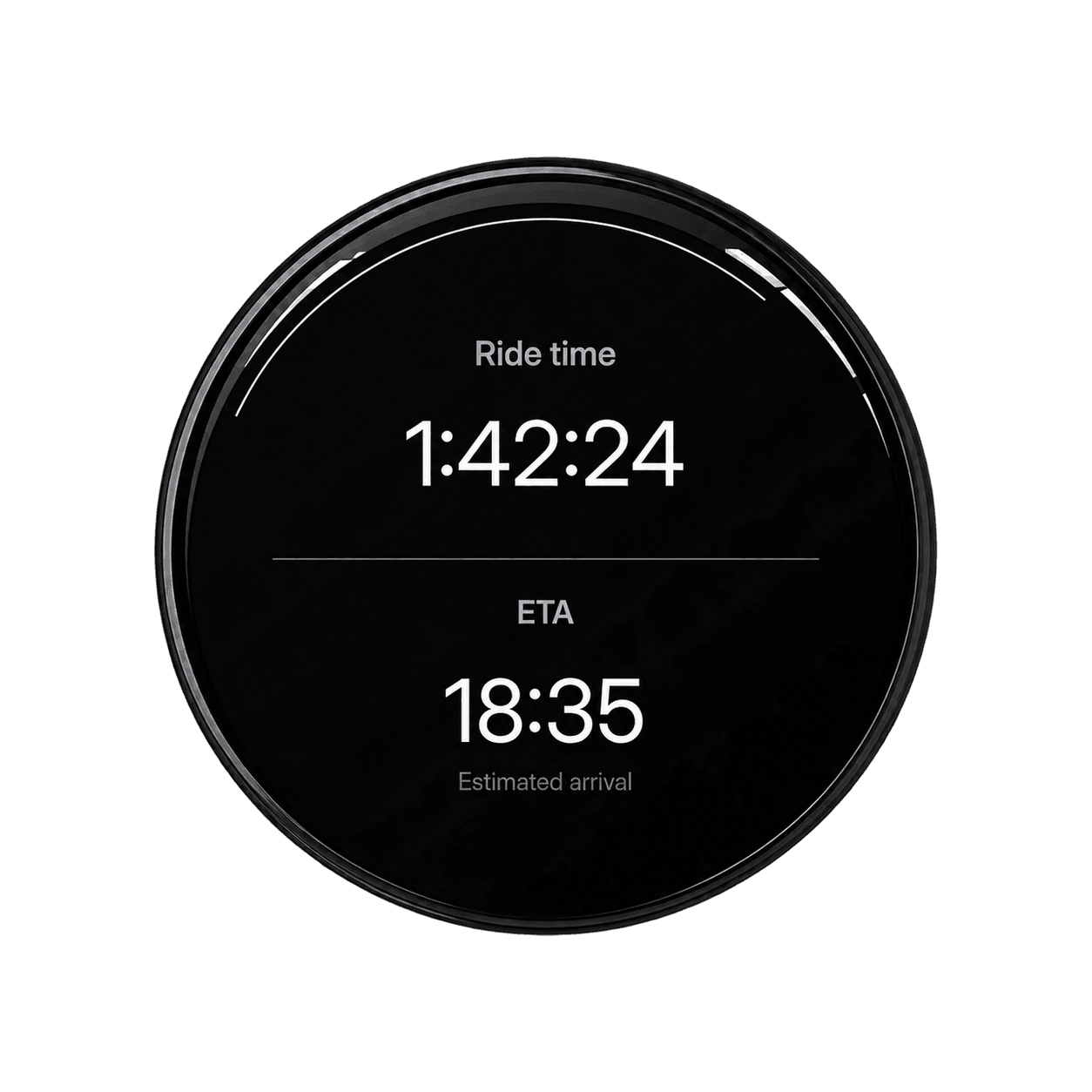
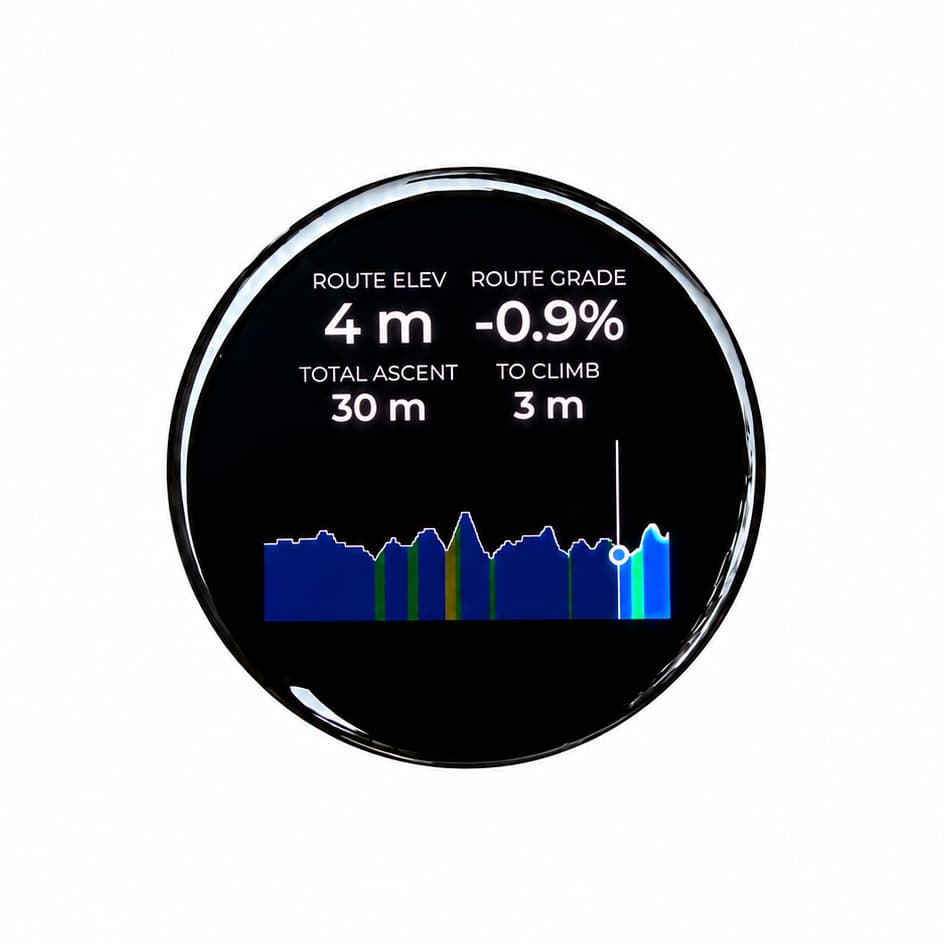
Ridden by the community
Built differently.
By design.
See how bicino one compares with a simple bike computer and two tiers of Garmin Edge.
| Category | bicino one | Cheap bike computer (e.g. Beeline Velo 2) | Entry-tier Garmin (e.g. Edge Explore 2) | Mid-tier Garmin (e.g. Garmin Edge 550/850) |
|---|---|---|---|---|
| Price | $150 | Discontinued | ~$250 | $500–$600 |
| Display | 16.7M colors 1.75″ 466×466 AMOLED touchscreen | 65k colors smaller 1.28″ 240×240px | 65k colors 3″ 240×400px touchscreen | 65k colors 2.7″ 420×600px LCD; 550 uses buttons, 850 adds a touchscreen |
| Maps | Global detailed 3D and 2D maps | Minimal map, no customization | 2D maps · $69.99/year app subscription for topographic maps | 2D maps · $69.99/year app subscription for topographic maps |
| High customization | High customization | — | — | — |
| Connect power, cadence, and speed sensors | Yes | No | Yes | Yes |
| Apple Watch app and workout integration | Yes. Apple Watch app; live metrics + heart-rate zones; Start Ride complication | No | No | No |
| Battery life | ~6 hours, expandable to 12 hours | ~11 hours | ~16 hours | ~12 hours |
| Phone-free GPS | Yes, with Apple Watch | No standalone GPS navigation | Yes | Yes |
Your iPhone. Your Apple Watch. Your ride.
Your Apple data on your bike computer.
Performance & Training
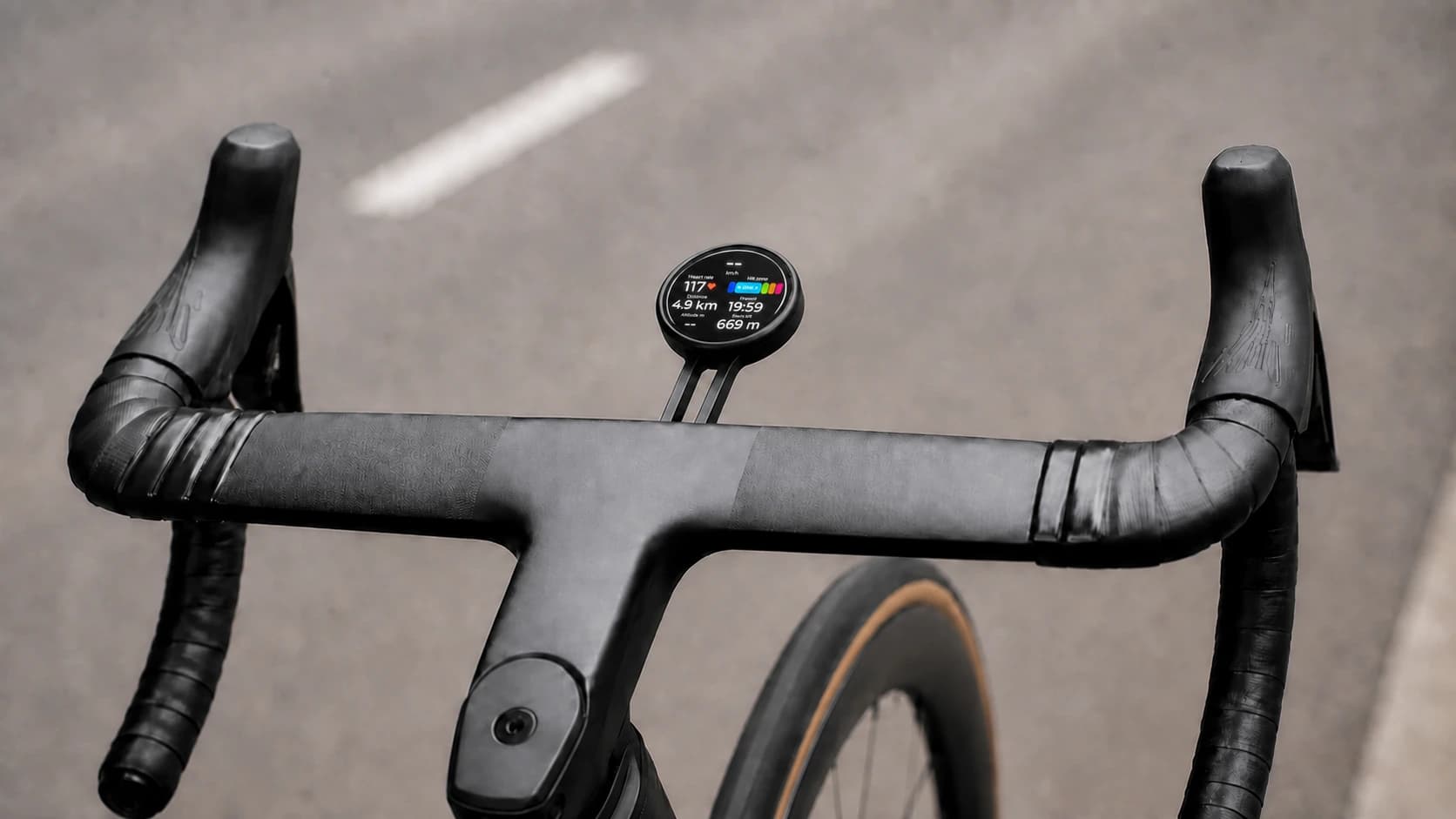
Ride with your Workout metrics, bike sensor data, and Maps navigation on one screen.
- Connects
- Apple WatchiPhoneBicinoBike sensors
- Data
- Apple Health → Strava, Komoot, etc.
FAQ
Start your ride.
Do I need an iPhone and Apple Watch to use Bicino?
Bicino is designed for Apple users. An iPhone runs the Bicino app and handles route planning and everyday setup. An Apple Watch is optional for iPhone-powered navigation, but required for Watch-recorded workouts, heart-rate data, the Start Ride complication, and phone-free GPS mode. Bicino does not currently support Android.
Does Bicino use Apple Maps for cycling navigation?
Yes. Use the Bicino iPhone app to search for a destination and plan a cycling route with Apple Maps. Bicino then puts the route and turn-by-turn guidance on your bike computer. Cycling directions and route availability depend on Apple Maps coverage in your region. See Bicino's navigation screens.
Can I import routes from Strava or Komoot?
Strava route import is available now. In Saved Routes, tap Import from Strava to bring an existing Strava route into Bicino, then prepare and navigate it like your other saved routes. Komoot route import is planned but not available yet. Follow the Komoot route-import feature.
Can Bicino show my Apple Watch heart rate and live cycling metrics?
Yes. Start a cycling workout with Bicino on Apple Watch to see live workout information—including heart rate and heart-rate zones—on your Watch, iPhone, and bicino one. Power and cadence can appear when data is available from a supported sensor. Open Bicino on the Watch once and complete Set Up Health before your first ride.
How do I add Start Ride to my Apple Watch face?
Start Ride is a watch-face complication—a button on the face—not a separate Siri Shortcut.
- Touch and hold the watch face, then tap Edit.
- Swipe left to Complications, tap a slot, and choose Start Ride.
- Press the Digital Crown, then tap the face to save.
You can also use the iPhone Watch app: open Face Gallery, choose a face, select a complication slot, choose Start Ride, and tap Add to Watch. Open Bicino on the Watch once and complete Set Up Health before your first ride.
Which cycling sensors work with Bicino?
Bicino supports Bluetooth cycling power, cadence, and speed sensors, so compatible sensor data can appear alongside navigation and workout metrics. Compatibility can vary by sensor model. If you are unsure about a specific sensor, contact Bicino with its exact brand and model before buying.
How long does the bicino one battery last?
The current estimate is approximately 6 hours, expandable to 12 hours. Actual runtime varies with screen brightness, connectivity, navigation, sensors, and riding conditions. The Founders Edition includes a rechargeable battery. Prototype hardware is shown, so final production details may change.
Which bike mounts are compatible with bicino one?
bicino one is designed for Garmin-compatible mounts and also fits Wahoo and Bryton mounts. The Founders Edition includes a compatible bike mount in the box. See the complete Founders Edition package.
Where does Bicino ship, and when will it arrive?
Bicino offers worldwide shipping to the destinations available at checkout. Founders Edition delivery is currently estimated within two months of purchase. Shipping charges and collected taxes are shown before payment; import duties or other local charges may still apply. Read the current shipping and returns information before ordering.