The best Apple Watch cycling app depends on where you want navigation, which device records the workout and how you share the finished ride. Start with your current setup’s missing capability. This is a comparison of documented workflows, not a claim that we have performed a controlled ride test of every app.
Apple Workout: start with the built-in recorder
Apple Workout is a useful baseline for cycling recording, supported Bluetooth accessories and the cycling Live Activity on iPhone. It is a natural starting point if you want a workout in Apple’s system and already understand its controls.
Route navigation is a separate question. Do not choose a recorder solely because it has the measurements you want, then discover that your intended guidance screen belongs to another app. Plan the full workflow before adding another recording session.
Strava: recording and the activity-sharing workflow
Strava’s Watch app supports independent activity recording and saved-route features described in its current help center. Check the requirements and the exact guidance available in your installed version instead of relying on an older description of the app.
If you prefer Apple Workout as the recorder, inspect Strava’s Health import rules. If you prefer another recorder, inspect that app’s own upload path. Choosing Strava for the social activity feed does not require assuming every Health workout arrives there automatically.
Komoot: planned routes and standalone offline guidance
Komoot documents phone-free Watch navigation and recording with downloaded routes and maps. Its guidance requires the relevant region to be unlocked; sport-specific map styles have separate Premium requirements.
This makes it a candidate when the key requirement is following a prepared cycling route from the wrist. Check regional access and local map preparation before paying for a plan. Also rehearse the finished-activity sharing path so navigation success is not followed by an export surprise.
WorkOutDoors: map and screen customization
WorkOutDoors documents configurable workout screens, Bluetooth sensor connections, offline maps and imported route files. It is worth investigating if you want to control what appears on the Watch and combine a map with detailed workout information.
Customization creates setup choices. Build one simple cycling screen first, use it on a familiar ride, then add only the fields that help. Check the route file’s guidance and the app’s current route-processing options; an imported line and complete turn instructions are different inputs.
Ride with GPS: distinguish companion navigation from recording
Ride with GPS documents standalone Watch recording and a companion workflow for routes started on the mobile app. These modes serve different needs. Do not infer that every navigation feature is phone-free from the availability of standalone recording.
If your club or ride organizer uses Ride with GPS, start with their route and check how its cues appear on the Watch. Confirm which device starts and ends the activity, plus the plan requirements for the navigation and offline features you need.
Bicino: the Watch workout and handlebar display together
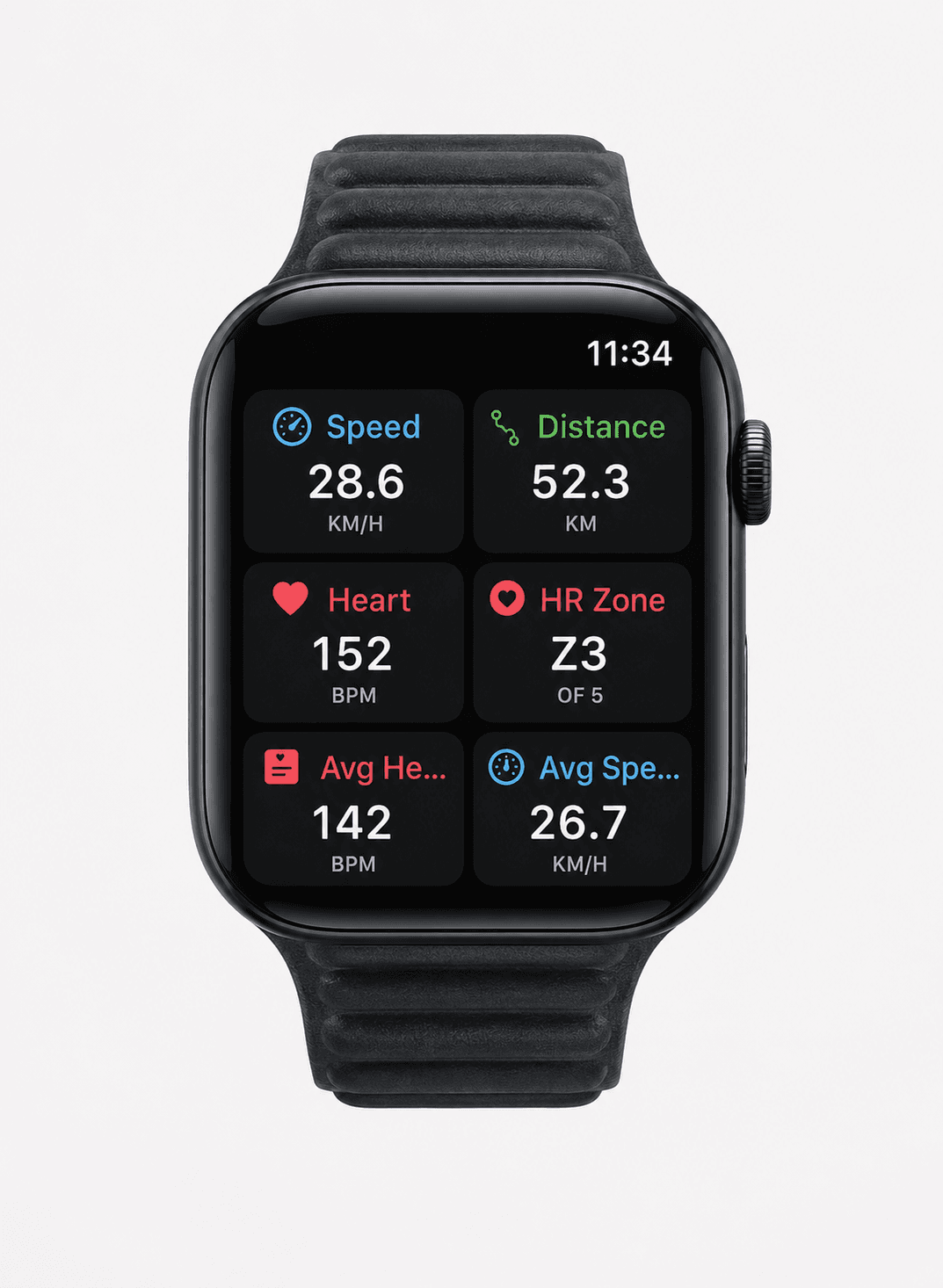
Bicino is designed to bring Apple Watch workout information and navigation into an Apple cycling setup, including a compatible handlebar display. It is a candidate when a wrist screen is the limitation and you want the route and ride metrics visible on the bike.
The free app and the hardware are separate decisions. Check the current device requirements, sensor compatibility and route options. Strava import is currently listed as available; Komoot import is planned. Select the app for features present in the version you can use today.
Compare the workflow, then check the price
Check current local App Store prices and feature-plan requirements before buying. Compare the total workflow cost, including map regions, subscriptions or hardware, rather than the download price alone.
| Starting need | Apps to investigate | Question to settle |
|---|---|---|
| Familiar workout recording | Apple Workout or Strava | Where will the completed activity be saved and shared? |
| Prepared offline wrist navigation | Komoot or WorkOutDoors | Are the actual route and map local on the Watch? |
| A route supplied by your riding group | Ride with GPS or the group’s chosen service | Does its Watch mode provide the required cues? |
| Watch data and guidance on the handlebars | Bicino | Which phone, Watch, sensors and display are required? |
Make the decision with one ordinary ride
Choose one recorder, one guidance screen and one sharing destination. Set them up before departure, then complete a short ride with a planned turn, a stop and a saved activity. Inspect the track and metrics afterward.
If that simple workflow works, keep it long enough to identify a real limitation. Adding a second recorder or another subscription immediately may make the setup harder to understand without solving the original problem.