
The short answer: Apple Maps can plan cycling routes and give turn-by-turn directions on iPhone and Apple Watch. On a “compatible” bike computer, however, the phrase can mean several different things. Ask whether the device receives a destination, a list of turns, or a live map.
First, what Apple Maps provides
Where cycling directions are available, Apple Maps can build a route with elevation information and options such as avoiding hills or busy roads. Apple notes that cycling directions are not available in every country or region, so coverage should be checked before relying on the route away from home.
“Works with Apple Maps” has at least three meanings
| Integration | What reaches the bike computer | What it does not necessarily mean |
|---|---|---|
| Location sharing | A place selected in Apple Maps is sent to the device. | Apple Maps itself is rendering the route on the computer. |
| Turn mirroring | Prompts, distance and direction are shown on a second screen. | The second screen can calculate or reroute independently. |
| Companion navigation | An app coordinates the route, workout and connected display. | The display is a standalone Apple Maps device. |
Garmin’s own support page is a useful illustration: compatible Garmin devices can receive a point of interest or location shared from Apple Maps on an iPhone. That is convenient, but it is different from running Apple Maps on the Garmin unit. Precise wording matters.
How the Bicino route works
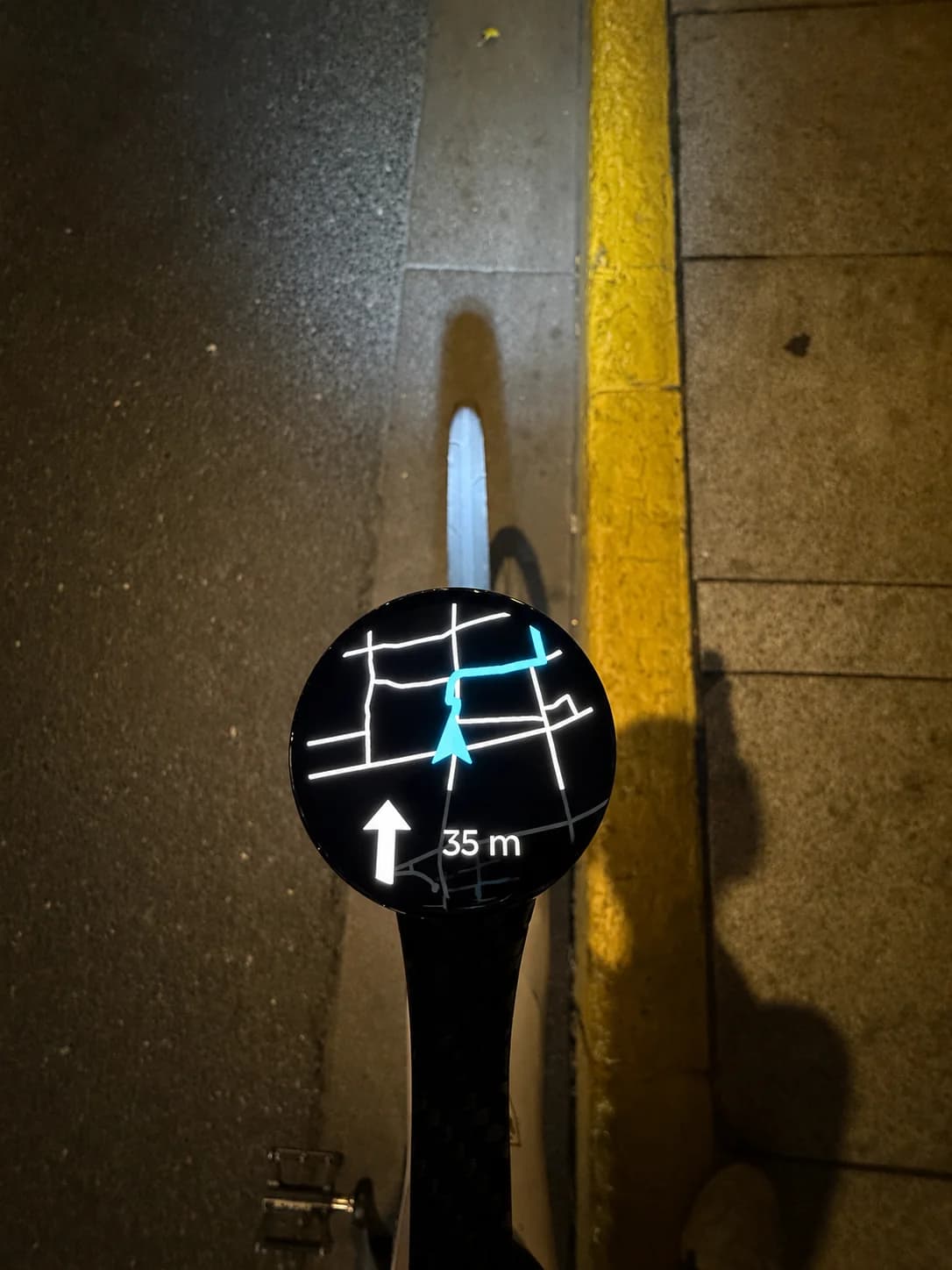
Bicino is built around Apple users rather than merely accepting an address. You select the destination through the Bicino iPhone app, use Apple Maps cycling directions where available, and keep the upcoming instruction in view on bicino one. The Watch can handle the workout side of the ride.
The important boundary is that bicino one is a connected display in this workflow. The iPhone remains part of live Apple Maps route planning and communication. Bicino also supports saved offline route workflows for the Watch, but an offline saved route is not the same as live Apple Maps searching and rerouting without a phone.
Questions to ask before buying any “Apple Maps” bike computer
- Can I choose a destination in Apple Maps, or must I export a GPX file?
- Will I see only arrows, or also a map and distance to the next turn?
- What happens if I leave the route?
- Does the phone need a data connection during the ride?
- Can the route continue if the phone battery dies?
- Is cycling coverage available where I actually ride?
Plan for the failure mode, not only the happy path
Before a long ride, preview the route, check the first few turns and make a backup available. That might be a saved route, a screenshot of the critical section or simply knowing how to reach a familiar road. No navigation system should be treated as a substitute for watching traffic, signs and trail conditions.
If your bigger problem is keeping directions visible while the Watch records, see our guide to Apple Watch cycling navigation and workouts.