
The short answer: mount an iPhone when you want the richest app experience and accept using your phone as cycling hardware. Choose a standalone computer for maximum ride independence. Choose a connected display when you want to keep Apple Maps and Apple Watch at the center but move the essential information onto a purpose-built screen.
The three choices are not the same product
“Phone or bike computer?” sounds binary, but a connected display creates a meaningful third option. It can leave route planning and workout services on devices you already own while giving the bike a dedicated interface. That is different from both a phone mount and a computer designed to work alone.
| Question | Mounted iPhone | Connected display | Standalone computer |
|---|---|---|---|
| Navigation | Full app interface and easy destination search. | Essential map and turn information from a companion app. | Routes and rerouting in the computer’s own ecosystem. |
| Battery | Uses the phone screen, GPS, radios and often mobile data. | Spreads work across the phone, wearable and display. | Dedicated battery optimized for ride-time tasks. |
| Apple Watch data | Apple’s own live cycling experience is available. | Possible when the companion system is built for the Watch. | Usually needs a separate sensor or specific bridge. |
| Weather and impact | Your main phone is exposed on the bars. | The phone can remain protected while the display takes the exposure. | Designed as outdoor cycling equipment. |
| Controls | Large touch screen; gloves and rain may complicate input. | Purpose-built controls vary by product. | Commonly optimized for use while riding. |
| Independence | The phone is the system. | Some features depend on the paired phone or Watch. | Typically the strongest phone-free option. |
Navigation: app richness versus glanceability
The iPhone wins for searching, editing and exploring a map. It is the device on which most riders would rather type an address. A dedicated computer wins when the ride has already started: a simpler screen, persistent information and controls designed for movement can be easier to use at a glance.
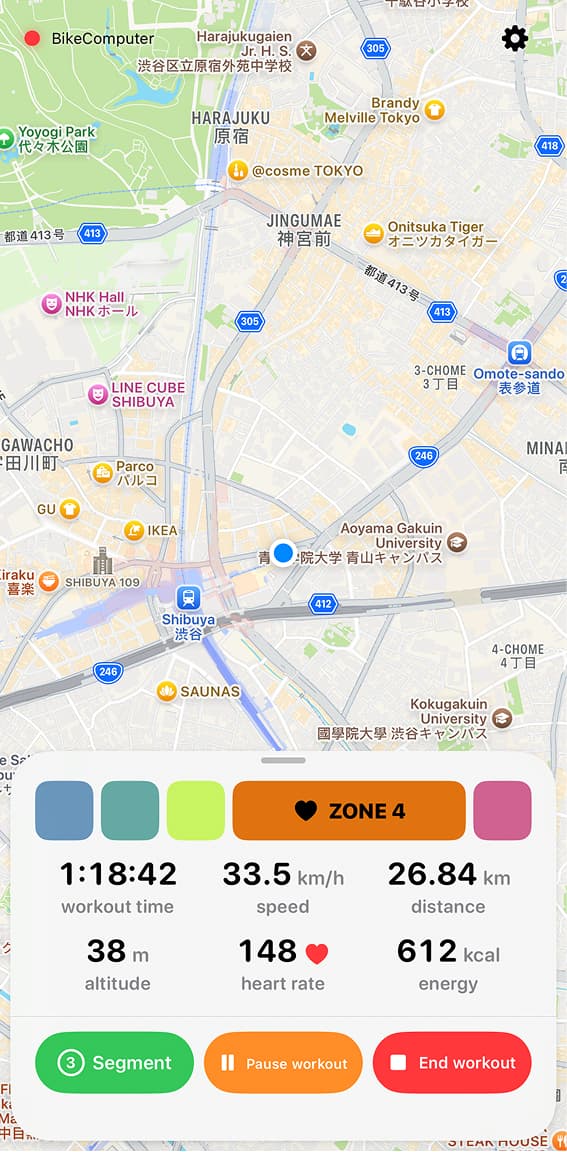
A connected display divides those jobs. Plan on the iPhone; ride from the bar display. With Bicino, that means Apple Maps-based cycling directions can feed the ride view while the iPhone stays protected.
Battery: compare the whole system
There is no honest universal battery winner without naming the exact phone, display brightness, temperature, route, network conditions and computer. Continuous screen use is demanding on an iPhone, while a standalone computer carries its own battery. A connected display adds another battery but may let the phone spend much of the ride with its screen off.
Compare against your longest normal ride, then leave reserve for delays. Published battery estimates are a starting point, not a guarantee under your settings. Bicino’s current site describes bicino one as approximately six hours, expandable to twelve; prototype hardware details may change.
Cost: include what you already own
A phone mount has the lowest additional device cost, but the phone itself is expensive and important. A standalone computer charges more upfront for durability, battery and an independent ecosystem. A connected display can be attractive if the iPhone and Apple Watch are already sunk costs and you want to extend them rather than duplicate them.
Which should you choose?
- Choose the iPhone for occasional rides, maximum app flexibility and the fewest new devices.
- Choose a connected display when Apple Maps and Watch workouts are central, but the phone should stay off the bars.
- Choose a standalone computer for long events, phone-free reliability, advanced sensors or deep training workflows.
If you are still unsure whether any additional screen is necessary, start one step earlier with when a bike computer adds something to Apple Watch.